Pro Tools for Slides™

Image Pro Tools for Google Slides

No sign-up required | Works with your Google account

What is Pro Tools for Google Slides

Pro Tools for Slides™ is a productivity add-on that upgrades how you build, edit, and manage presentations.

Apply changes across slides, fine-tune layouts, export assets, manage components, and automate repetitive work, without leaving Slides.

Perfect for:

Marketers, educators, creators, agencies, and teams who build Google Slides every day.
Why people love Pro Tools for Google Slides

Faster workflows

Apply edits, adjust layouts, and manage slides in seconds instead of minutes.

Cleaner slides

Match sizes, align objects, and apply consistent spacing with one click.

Powerful automation

Run deck-wide actions, export assets, and reduce repetitive work.

Organized Components

Reuse elements, manage visual consistency, and speed up deck creation.

Stock images built in

Search and insert free photos from Pexels without opening new tabs.

Core Features

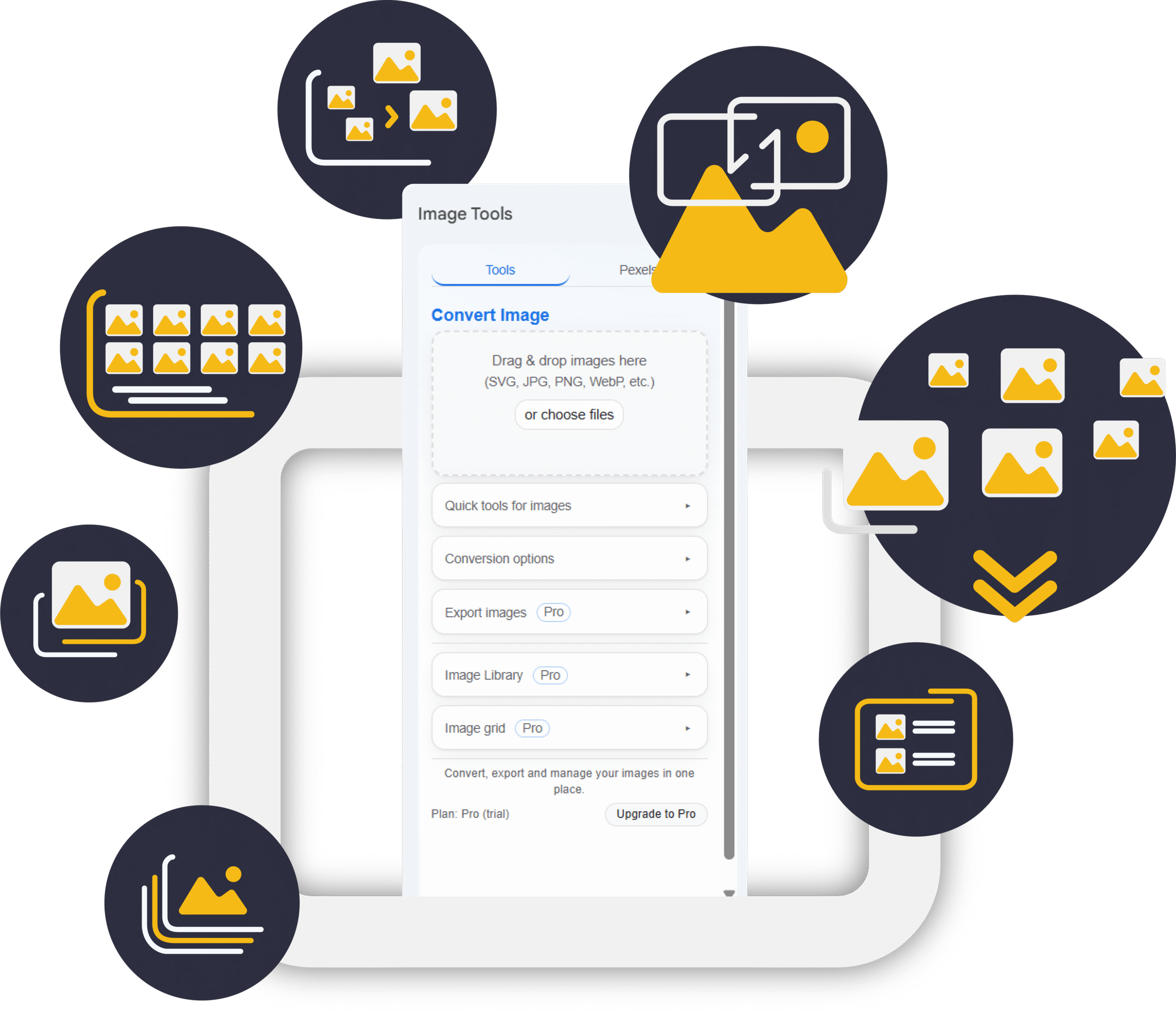
Convert & Insert
Images Instantly

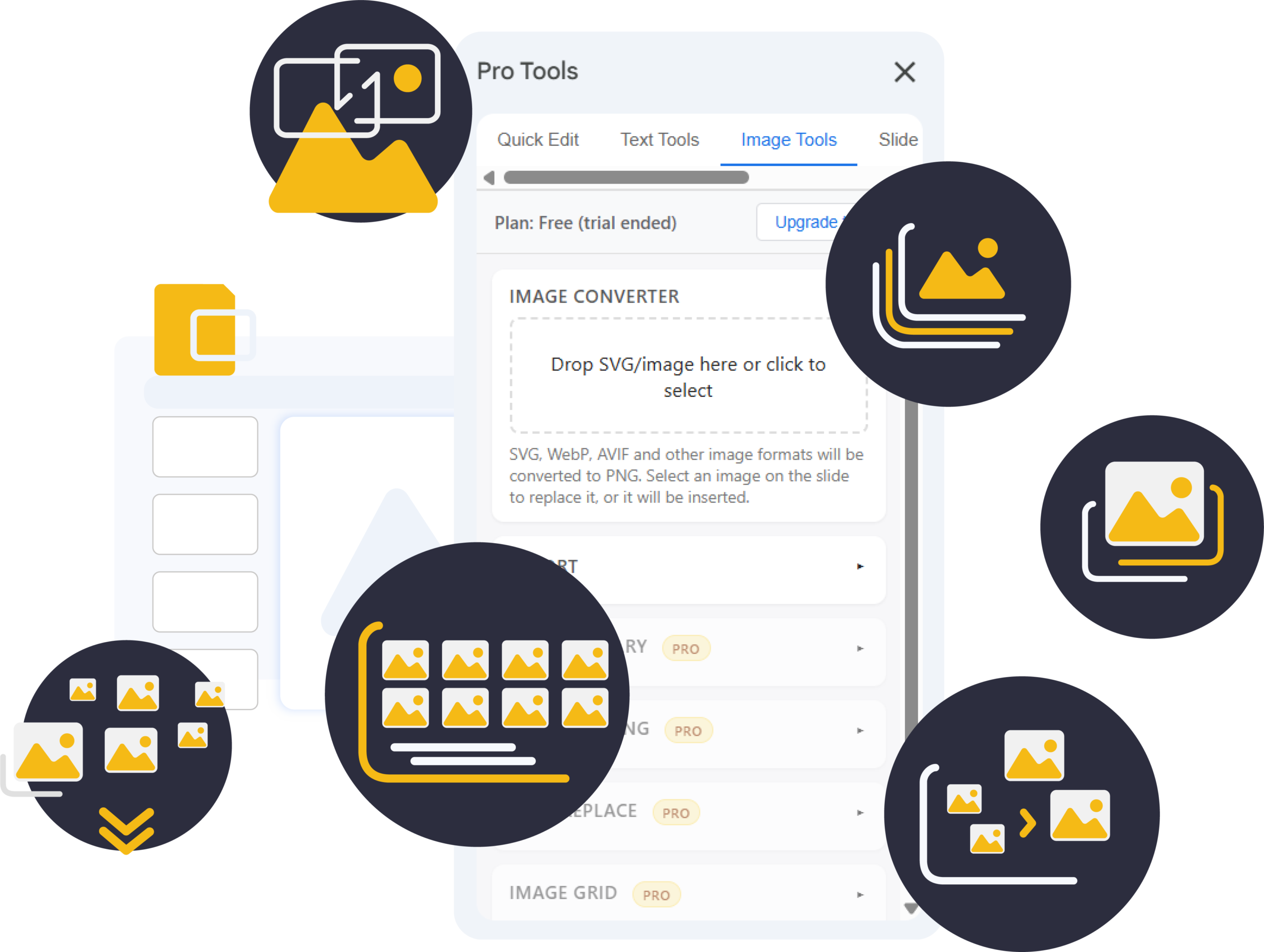
Drag in SVG, PNG, JPG, WebP or AVIF files and Image Pro Tools converts them into crisp PNGs for perfect clarity.

Bulk Replace Images
(Pro Element)

Swap logos, icons, or repeated graphics across your entire deck in one action.

Match Image Sizes
(Pro Element)

Select a reference image and instantly match width, height, or both.

Align & Distribute
Tools

Center, snap, distribute, and align objects with pixel-perfect precision.

Export Images
(Pro Element)

Download individual images or export your entire deck’s images as a ZIP.

Image Library
(Pro Element)

Create Drive-powered folders, upload images, browse thumbnails, and insert assets effortlessly.

Create Slides From Images
(Pro Element)

Turn multiple images into a full slide deck automatically.

Image Grid Builder
(Pro Element)

Build clean, consistent grids with full control of spacing, fit, rows, and columns.

Pexels Search
Integration

Search and insert beautiful stock photos directly into your Slides.
82%

Less Time Spent Switching Apps

92%

Higher Workflow Continuity

100%

Secure Conversion

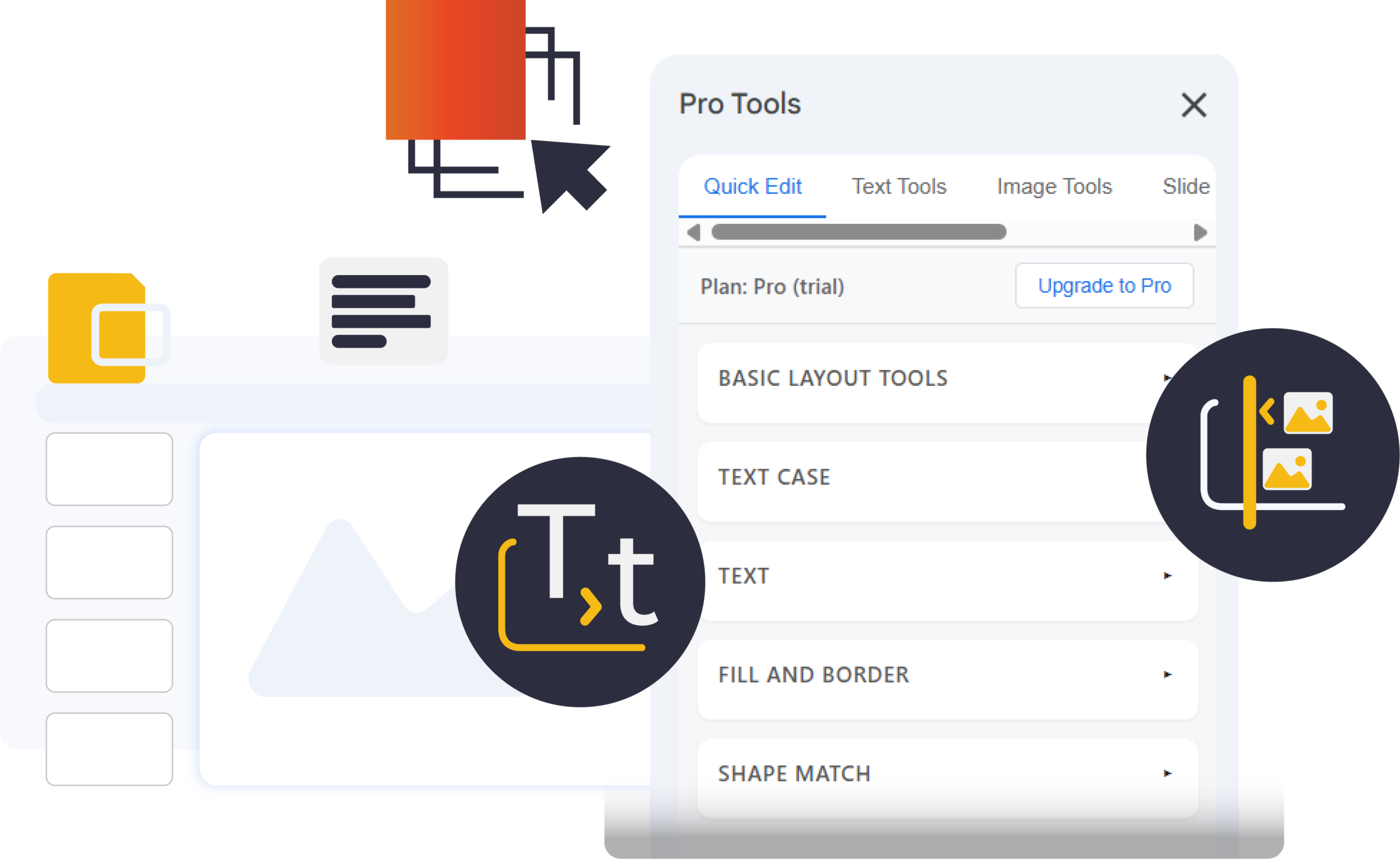
Quick Edit

A collection of fast, one-click tools for aligning, resizing, spacing, and standardizing elements on the current slide.

Built for quick fixes and clean layouts without affecting the rest of your presentation.

  • Quick Access Basic Layout Tools – Align, Distribute and Arange

  • Text Case – Selected and Deck wide text.

  • Text Edit – Align, Resize and Color Change

  • Fill and Border – Quick and easy Color change on shapes and borders

  • Shape Match – Copy size and formatting from one shape to another.

Text Tools

A focused set of tools for fine-tuning text appearance and readability.

Adjust spacing, case, alignment, and formatting to keep typography consistent and easy to read across your slides.

  • Bullets & Spacing – Adjust bullet formatting and line spacing for Selected and Deck Wide Text

  • Doc to Slides  – Easily convert Google Docs into Slide content.

  • Accents & Symbols – Add accents and special characters to text.

  • Kerning & Tracking – Adjust spacing between characters.
  • Link & Export – Create links and export slide content.

Image Tools

A collection of tools for inserting, converting, resizing, and organizing images.

Designed to keep visuals consistent, clean, and presentation-ready without leaving Slides.

  • Export – Quickly export slide images and assets.

  • Image Library (Pro) – Browse and insert images from your library.

  • Size Matching (Pro) – Match image dimensions instantly.

  • Bulk Replace (Pro) – Replace images across multiple slides.
  • Image Grid (Pro) – Build clean, evenly spaced image grids.

Slide Tools

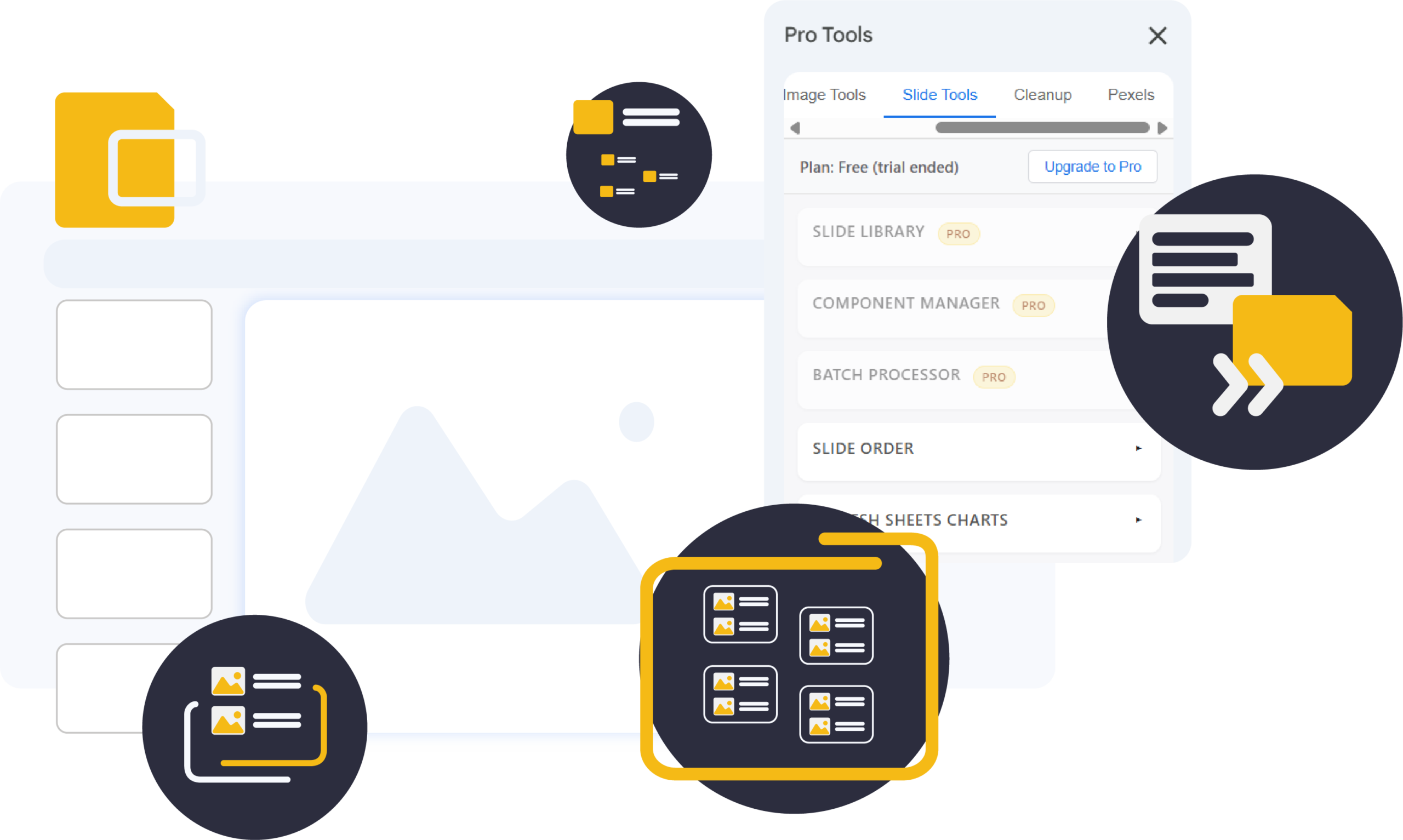
Tools for managing and updating your presentation beyond individual object edits.

Use Slide Tools to reuse slide assets (libraries/components), run structured batch workflows, and control deck-level operations like slide order and refreshing Sheets-linked charts.

  • Slide Library (Pro) – Save and insert reusable slides.

  • Component Manager (Pro) – Create and sync reusable components.

  • Batch Processor (Pro) – Generate slides from Sheets or export slide placeholders to Sheets.
  • Slide Order – Shuffle or reverse slide order.
  • Refresh Sheets Charts – Refresh Sheets-linked charts (deck or current slide).

Clean up

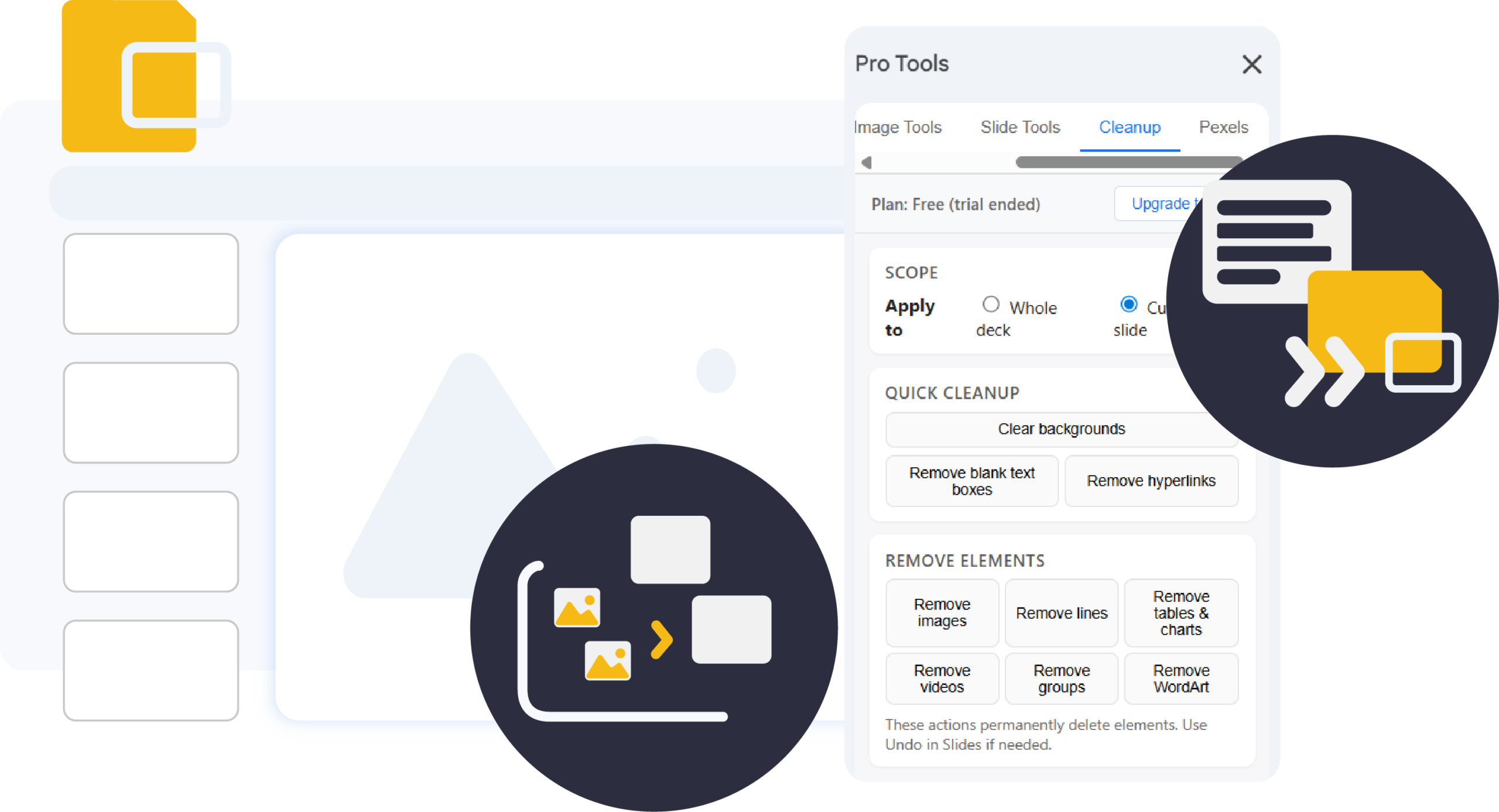
Tools for removing clutter and unwanted elements from slides.

Cleanup helps you quickly clear backgrounds, remove unused content, and simplify slides, either on the current slide or across the entire deck.

  • Quick Cleanup -Fast, one-click tools for clearing common clutter like empty text boxes, backgrounds, and links, helping keep slides clean and focused.

  • Remove Elements – Tools for removing specific types of content, such as images, videos, or tables. Helping to simplify slides and reduce visual noise.

Pexels

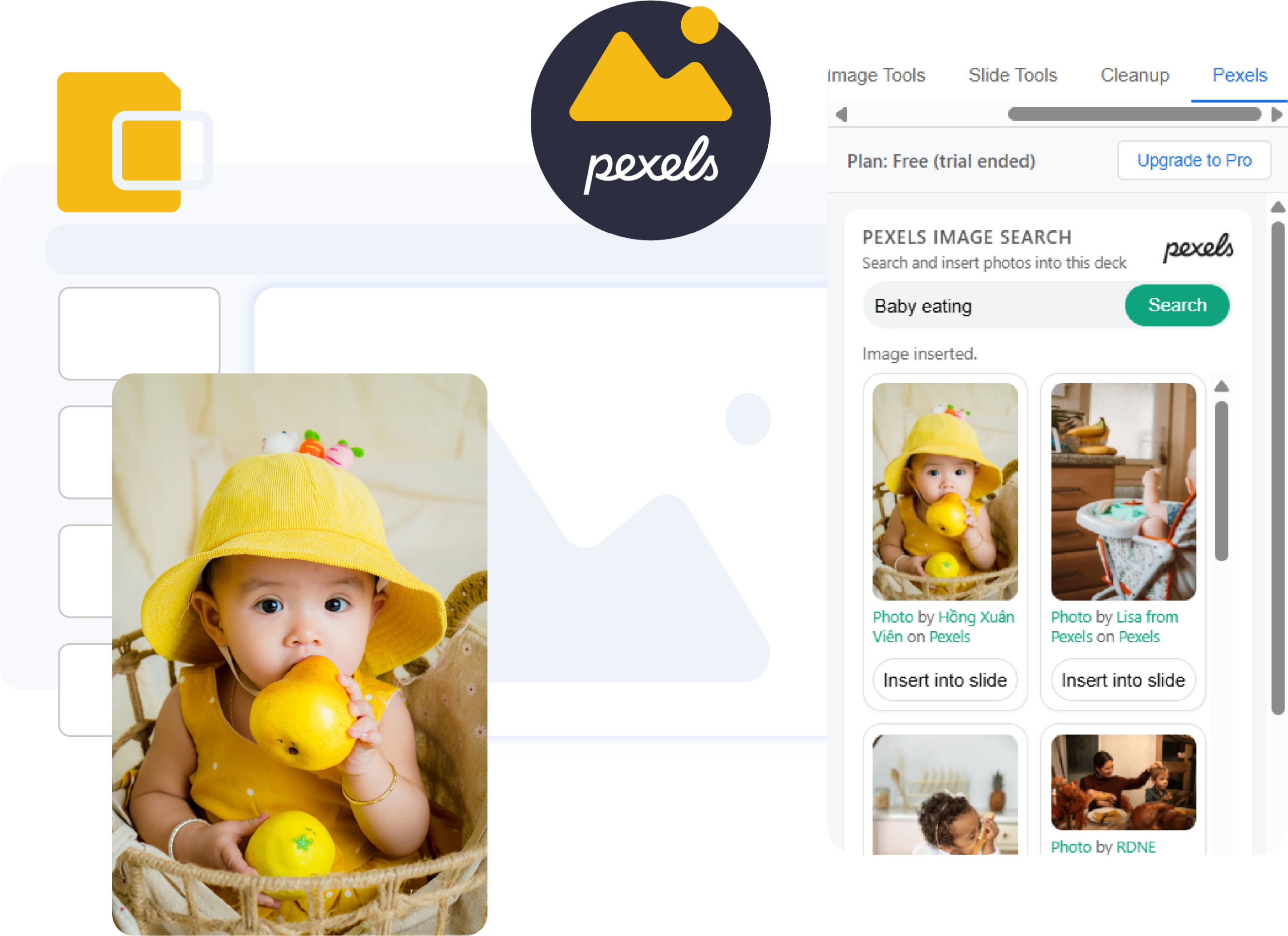
Search and insert free stock photos directly into your presentation.

Pexels lets you find high-quality images without leaving Slides, making it easy to add visuals while staying focused on your deck.

  • Search -Search free stock photos from Pexels.

  • Preview – Preview images before inserting.

  • Insert Image – Insert selected images directly into slides.